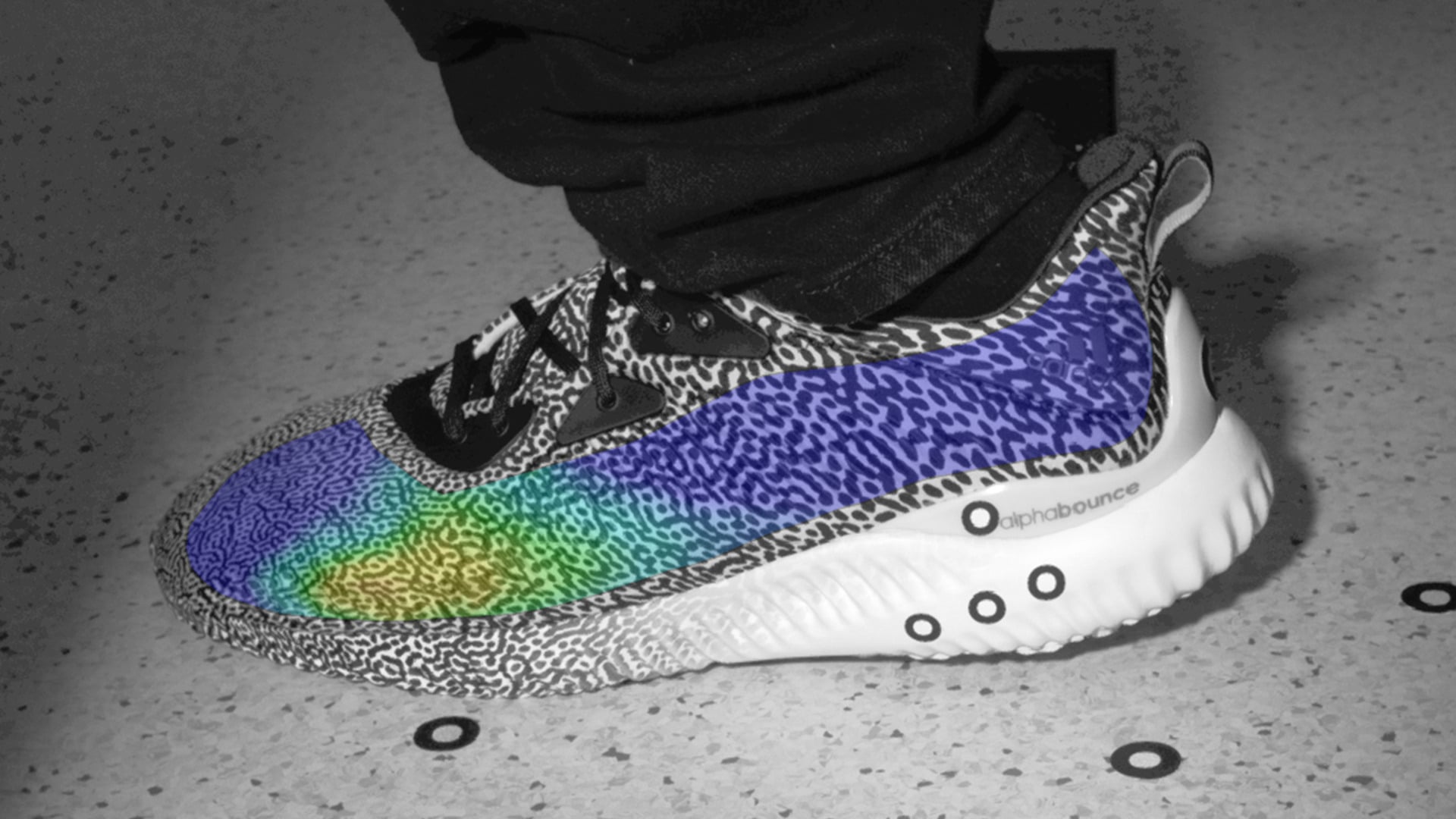
Before DIC can show us how a part is moving, the cameras need a surface they can follow. That’s where the speckle pattern comes in.
Digital Image Correlation (DIC) compares a sequence of images to track movement across a specimen’s surface. It looks at small regions of the image and follows their changing position as the test progresses. From that, engineers can see how displacement varies across the area being measured and derive strain through the analysis.
Sometimes a material has enough natural texture for the cameras to track. When it doesn’t, we add our own.
How we prepare a specimen at Delta XD
We use a few different methods, but most often we start by masking off any areas that need to stay clean. Then we apply a light base coat of matt white acrylic, water-based spray paint to the test area.
For tests where the expected strain is extremely low, we sometimes use a white powder-based spray instead. It gives a very matt finish, which can help in those tests, but there’s a trade-off: the powder rubs off easily, so the specimen needs more careful handling.
Once the white coat has dried, we apply matt black acrylic, water-based spray paint. By pressing the nozzle lightly, we can make the paint sputter. Varying the pressure changes how it comes out and helps create a random pattern. We aim for roughly equal black and white coverage.
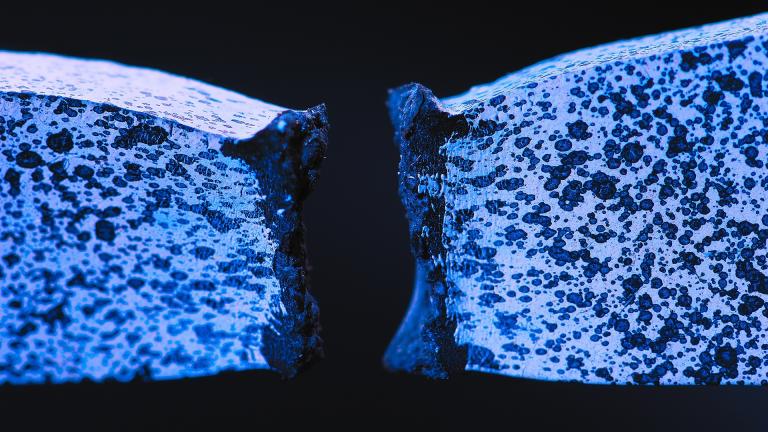
A speckle pattern lets DIC follow local surface deformation during a tensile test.
The size of the speckles matters too. It depends on the measuring volume set for the camera system and the camera resolution. The ARAMIS app, available on iOS and Android, lets us enter the camera settings and generates a PDF pattern at an appropriate size. If you print a generated pattern, use its intended scale: shrinking it to fit the page changes the size of the features.
For large measuring volumes, we can use a board with randomly placed cotton balls dipped in matt black paint, then apply it to the work surface. We’ve also experimented with hydro dipping. It can work well, but it takes practice to apply and is best suited to surfaces with few holes.
Getting the pattern right
A useful pattern needs to be random, visible and suited to the camera set-up. If the speckles are the wrong size for the field of view, or the surface is too reflective, the software may have a harder time following the pattern from image to image.
It’s a small part of test preparation, but it gives DIC the visual detail it needs to track what the specimen is doing. Then we can focus on what the test is there to show: how the part moves and deforms.
Planning a DIC test? Talk to Delta XD.
Want a pattern ready to print?
The ARAMIS app can generate a speckle pattern PDF from your camera settings. We’ve also put together printable patterns for a range of ARAMIS 12M and 6M set-ups. Choose the guide that matches your field of view, then print at the scale shown on the sheet. Before testing, check the pattern’s focus, contrast and quality in ZEISS software:
- Delta_XD_ARAMIS_6M_Stochastic_Patterns_A4
- Delta_XD_ARAMIS_12M_60mm_Stochastic_Pattern_A4
- Delta_XD_ARAMIS_12M_Stochastic_Patterns_A4
- Delta_XD_ARAMIS_Graduated_12M_6M_30mm_to_1m_70_to_30_Coverage_Guide_A4
- Delta_XD_ARAMIS_Graduated_12M_6M_30mm_to_1m_80_to_20_Coverage_Guide_A4
- Delta_XD_ARAMIS_Graduated_12M_6M_30mm_to_1m_Coverage_Guide_A4