
12M and SRX · industrial stereo 3D measurement
ARAMIS 3D Camera
A stable optical setup for repeating the tests your team runs every day.
ARAMIS 3D Camera 12M and ARAMIS SRX combine stereo digital image correlation with point tracking in a robust industrial sensor. Configure the measuring arrangement around a common specimen, component or test station, then reuse that setup across a programme of repeat tests.
Choose 12M for quasi-static loading, or SRX when the response needs more detail over time.
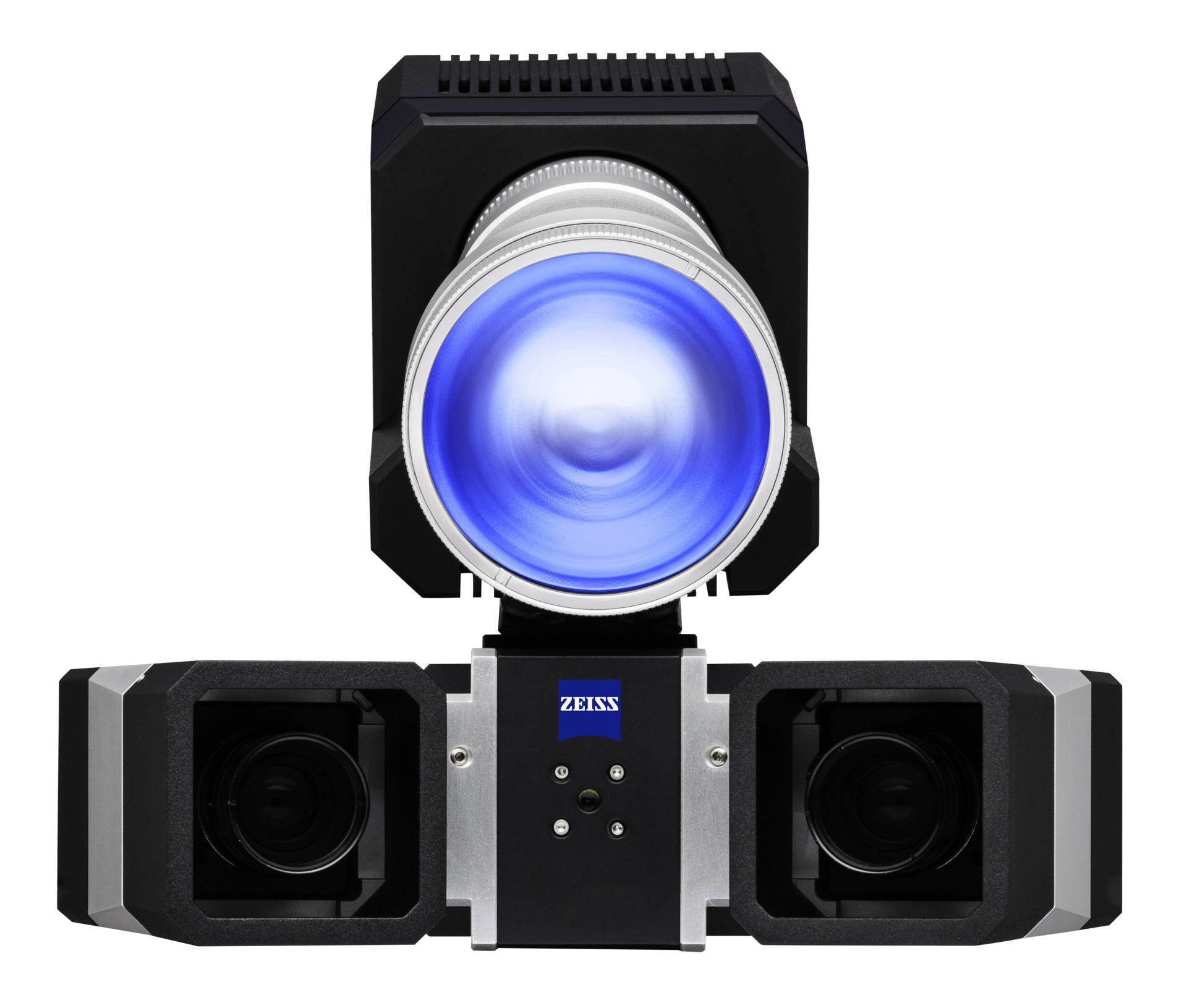
SRX: 4096 × 3068 pixels per camera
The visible surface, measured through the test
Optical strain and movement in a repeatable test setup
Two calibrated camera views record the visible surface as a specimen or component is loaded. Digital image correlation follows a prepared surface pattern to calculate three-dimensional displacement and surface strain. Point tracking follows selected markers for local movement, rotation and relative motion.
Use strain maps to locate a developing concentration, place virtual extensometers across several gauge lengths, or track how a component moves relative to its fixture. The same recording can support several evaluations after the test.
The industrial sensor concept suits a defined measuring arrangement that will be used repeatedly. Preset measurement lenses and a stable camera frame reduce the preparation needed to return to a familiar test.
See the ARAMIS 3D Camera industrial measurement approach.
From setup to an engineering result
Four reasons to choose an industrial sensor
Build a dependable optical measurement around the tests you need to repeat.
Return to a defined setup
A stable stereo camera arrangement and preset, certified lenses support repeat use of a selected measuring area. Document sensor position, working distance and fixture access so the next specimen starts from a familiar configuration.
Reduce preparation between common tests
Keep the camera arrangement suited to a test station or recurring component. The industrial design supports sensor stability and low calibration effort, while the required verification procedure confirms the setup before measurement.
See strain and motion from one recording
Evaluate a full-field strain result, virtual extensometers or selected-point displacement from suitable data. Separate component response from fixture movement using an appropriate alignment and reference points.
Connect the result to the test history
Use the ARAMIS Controller to coordinate supported external signals, triggering and illumination. Relate local optical behaviour to force, stroke or another instrument signal at the corresponding test stage.
Choose the temporal detail your test needs
ARAMIS 3D Camera 12M or ARAMIS SRX?
Both use the industrial sensor concept. The main distinction is how quickly the measurement needs to follow the event, together with the available recording path and measuring area.
Quasi-static materials and structures
ARAMIS 3D Camera 12M

Up to 25 fps at full resolution
Choose 12M for material characterisation, stiffness measurements and component or structural loading where 25 full-resolution stages per second capture the required response.
- 2 × 12 MP cameras, 4096 × 3000 pixels per camera.
- Up to 150 fps at 4096 × 500 pixels, with reduced image height.
- Measuring areas from 35 × 25 to 5000 × 4000 mm across different configurations.
Dynamic components and faster events
ARAMIS SRX

Up to 2,000 fps using onboard memory
Choose SRX when the test needs more stages through vibration, rapid movement or a transient response. Define the image area and recording window around the event.
- 2 × 12 MP cameras, 4096 × 3068 pixels per camera.
- 335 fps at full resolution with 8 GB onboard memory; 2,000 fps at 4096 × 480 pixels (1/6th image).
- Measuring areas from 70 × 50 to 5100 × 4200 mm across different configurations.
Product views illustrate different illumination arrangements. Choose the frame, preset optics and lighting for the measuring area; the pictured illumination does not define the camera variant.
Typical industrial DIC applications
Common tests, repeated with a consistent optical view
Choose the sensor around the event duration and the local detail you need to evaluate.
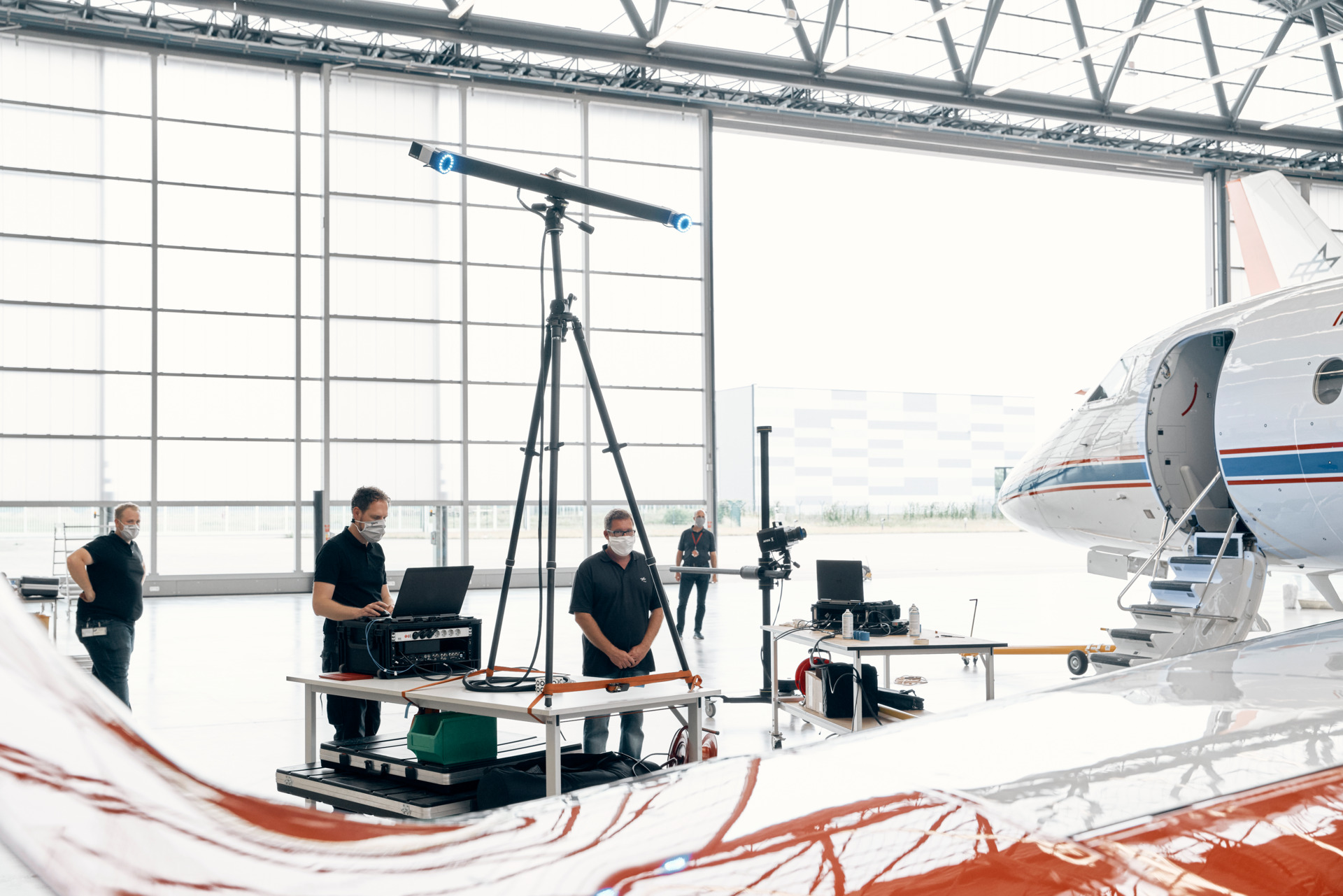
Quasi-static materials and structural loading
Measure extension, local strain and deformation during tensile, compression or bending tests. Reuse a suitable 12M arrangement across a series of specimens or recurring component tests where the full-resolution rate captures the behaviour.
For larger structures, keep relevant supports and interfaces in view. This helps distinguish structural deformation from rigid-body or fixture movement. Stress–strain calculations also need suitable force and specimen geometry data.
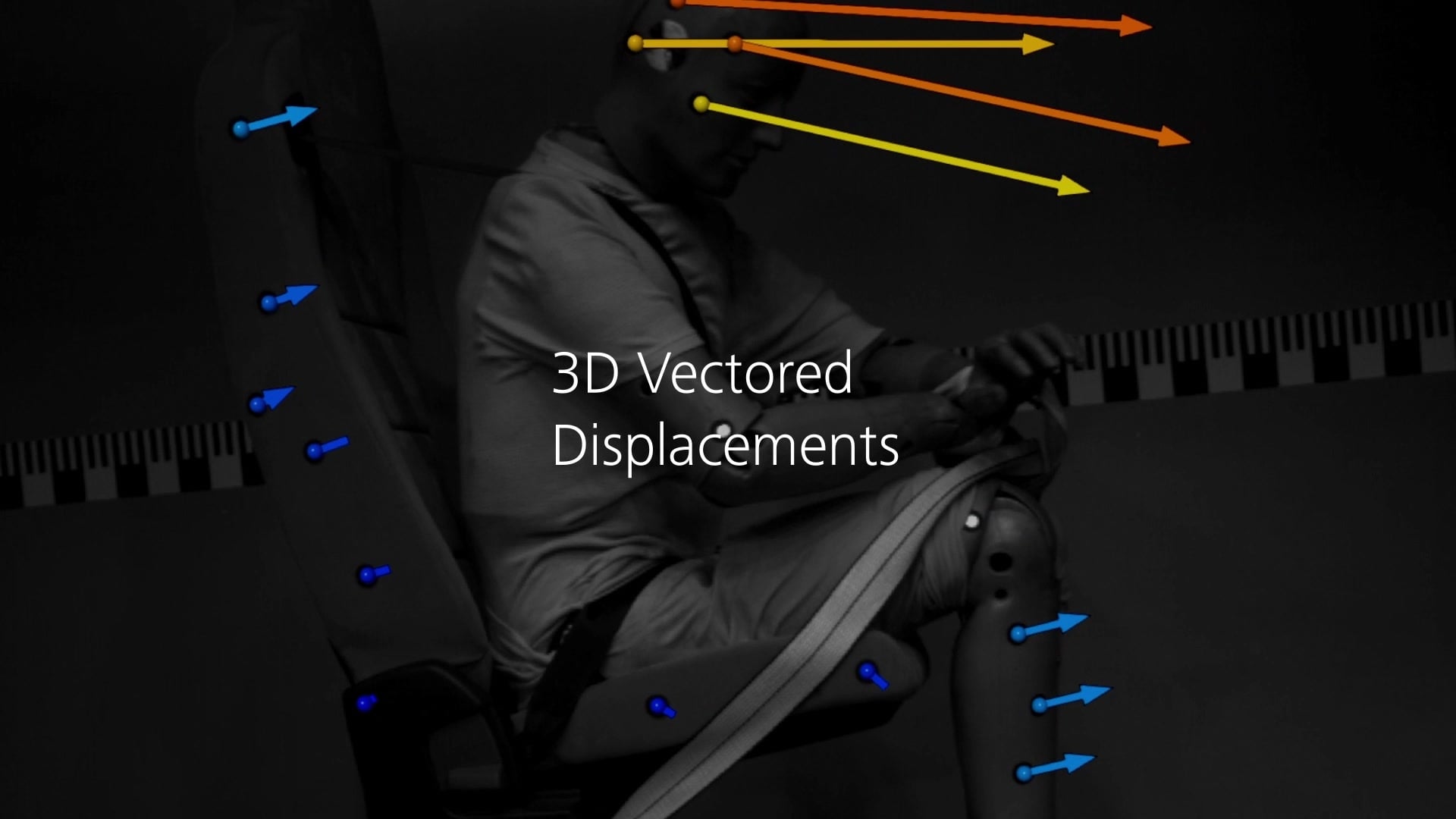
Dynamic components and repeated motion
Use SRX to follow a faster component response, oscillation or relative movement between parts. Point tracking can answer motion questions where a continuous strain field is unnecessary.
Match the acquisition mode to the time scale, required surface area and available light. For tests beyond the SRX range, compare ARAMIS High Speed. The event name alone does not determine the required frame rate.
A fixed measurement arrangement for repeat tests
Keep the sensor geometry suited to the test station
Configure the sensor frame, preset lenses and working distance for the recurring specimen or component. Keep both cameras clear of grips, supports and the complete expected movement, and establish a repeatable way to locate the sensor relative to the test.
The measuring area can be changed with the appropriate frame and optical configuration. The industrial concept is particularly useful when the selected arrangement will then be reused for common tests. Follow the required calibration and verification procedure after relevant changes.
Choose light-projector illumination for suitable smaller fields or tracking spots for appropriate marker-based work over larger areas. Shorter exposures at higher rates need sufficient light to keep the pattern or markers clear.
The quotation defines the sensor variant, frame, lenses, calibration equipment, lighting, workstation, Controller and software scope for your application.
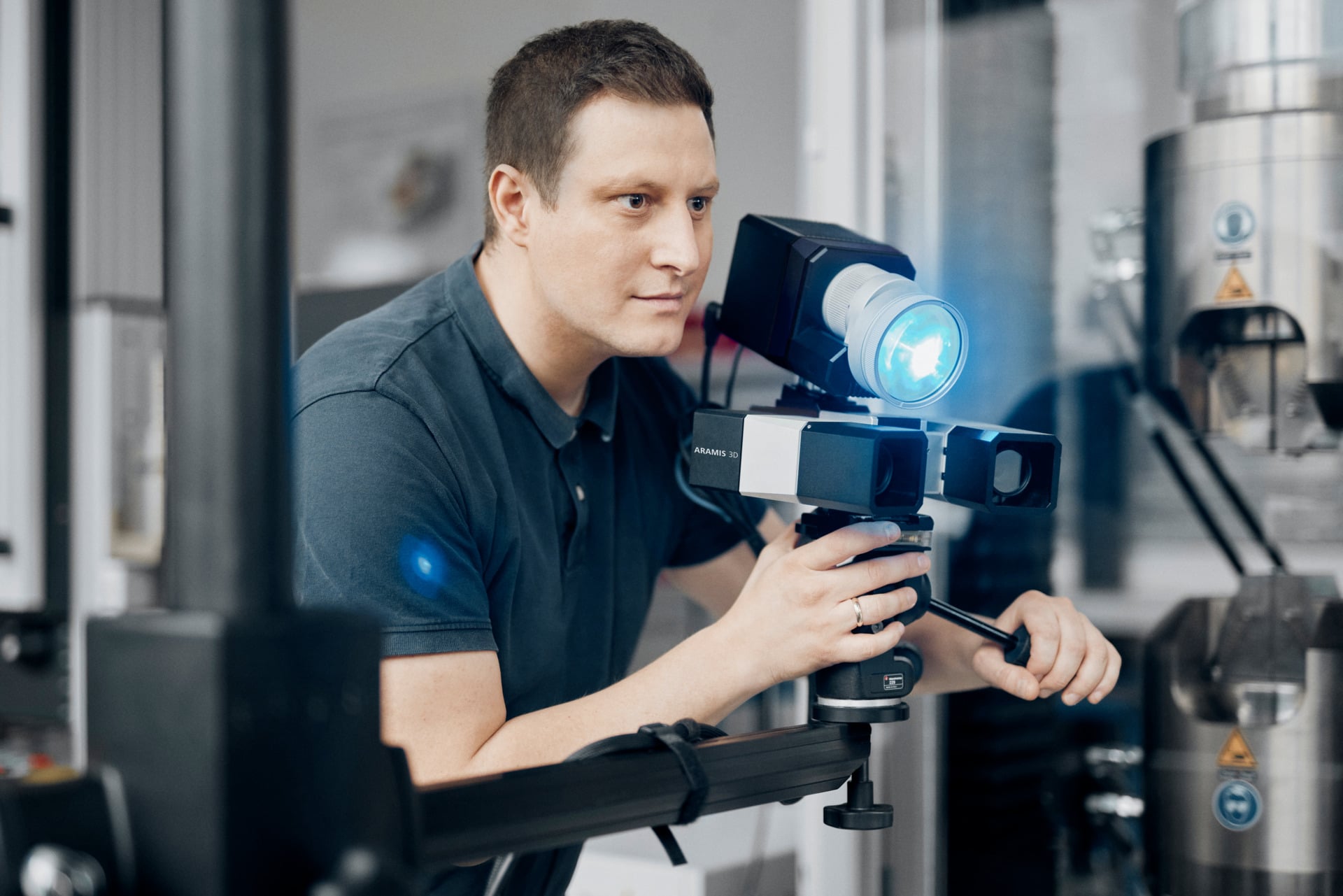
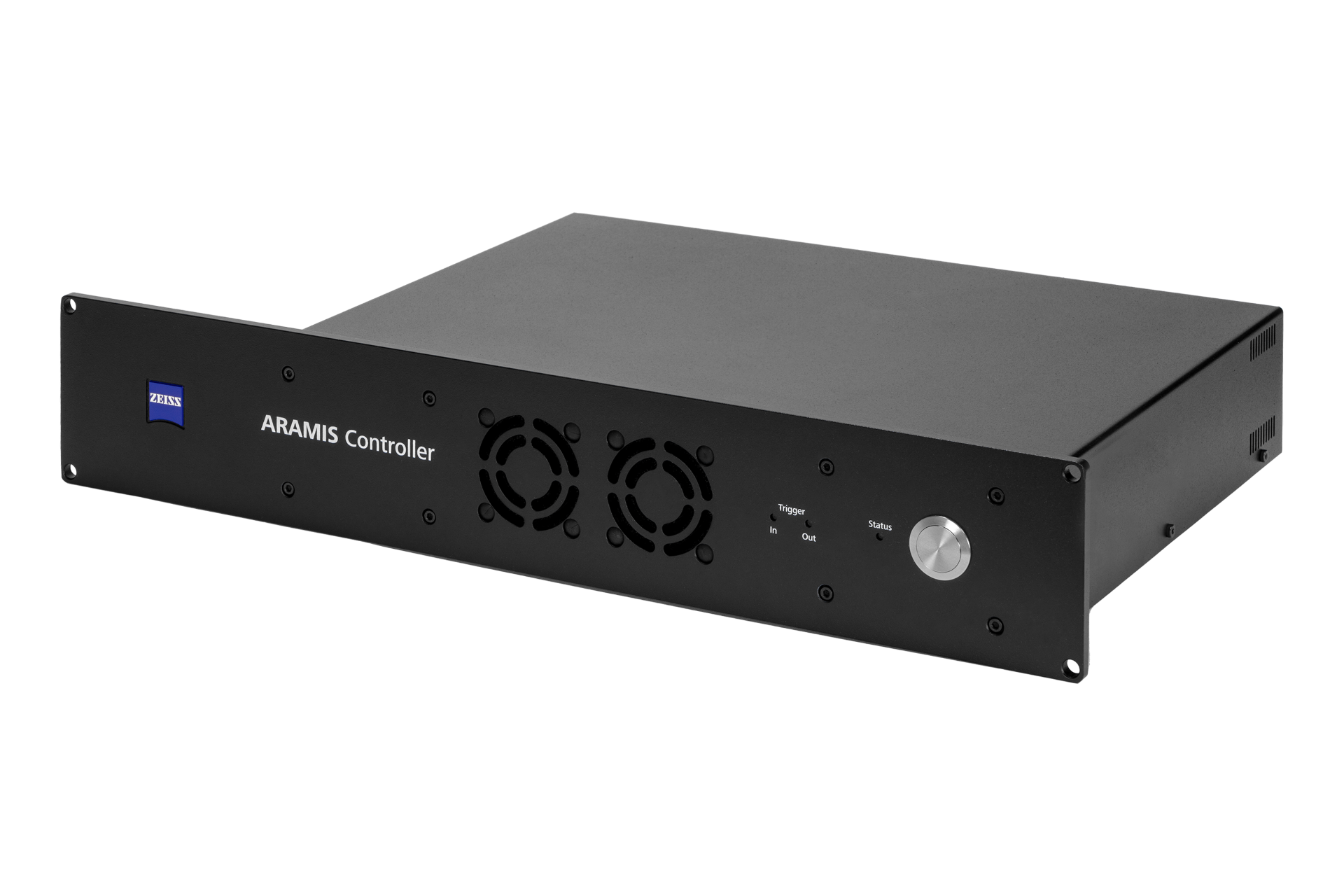
Synchronised force and image acquisition
Put loading and deformation on the same timeline
The ARAMIS Controller coordinates supported camera acquisition and illumination, and records external test signals. Relate a strain concentration or component displacement to the applied loading at the corresponding stage.
Specify signal ranges, electrical interfaces, trigger conditions and timing alongside the recording mode. A test machine, load cell or other instrument supplies the external measurement; the Controller acquires the supported signal.
Compatible multi-device arrangements can synchronise different ARAMIS viewpoints using primary and secondary sensor roles. Define the supported sensor combination and any shared-reference alignment as part of the setup.
Explore the ARAMIS ControllerMeasurement and analysis software
Evaluate the test in CORRELATE
Review displacement and strain maps, place virtual extensometers and compare local results across the test stages. Use suitable alignments to separate the component response from movement of the complete setup.
For repeated tests, choose the analysis and reporting tools around the consistency your team needs. Specify the ARAMIS sensor driver and acquisition options with the system.
Explore CORRELATE software and licences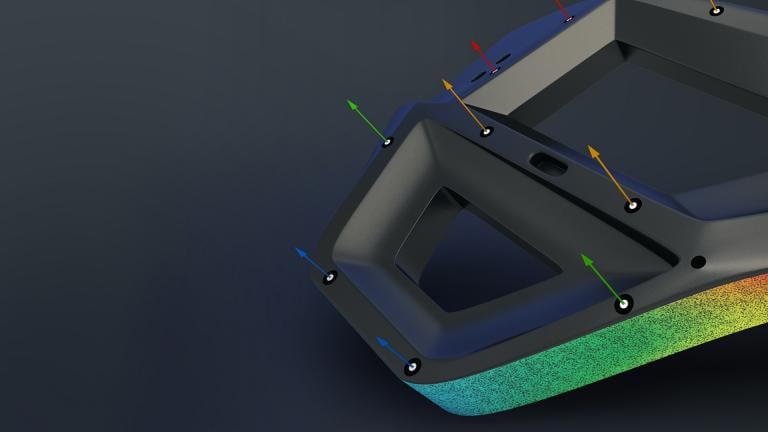
Entry-level evaluation
CORRELATE Free
Following the initial 30-day Pro trial, Free provides non-parametric evaluation of 2D image or video series and suitable otherwise acquired or imported 3D data. Combined with an ARAMIS system and compatible sensor driver, it is CORRELATE Essential Line.
Repeatable commercial analysis
CORRELATE Pro
Use parametric inspection history, reusable project templates, supported native CAD interfaces and programmable analysis to carry a consistent evaluation across repeated specimens. The ARAMIS sensor driver and acquisition scope are specified alongside the licence.
Academic and research use
CORRELATE Education
Pro analysis functionality for eligible non-commercial academic and research work. Education does not include Pro Line functionality. Importing ARAMIS 3D measurement data still requires the appropriate sensor driver.
Advanced ARAMIS acquisition
CORRELATE Pro Line
Add supported live tracking, ring-buffer recording, external-signal triggering and touch-probe workflows for compatible hardware. Confirm the required functions and accessories for the selected sensor and test sequence.
Software availability depends on the sensor, version and licence scope. Confirm the required acquisition functions, interfaces and accessories as part of the system configuration.
Choose around the measurement question
Industrial sensor or ARAMIS Adjustable?
Choose the industrial 3D Camera family for a defined sensor arrangement used across repeat tests. Consider Adjustable when frequent changes to specimen sizes, measuring geometry or laboratory fixtures drive the requirement.
ARAMIS Adjustable 12M
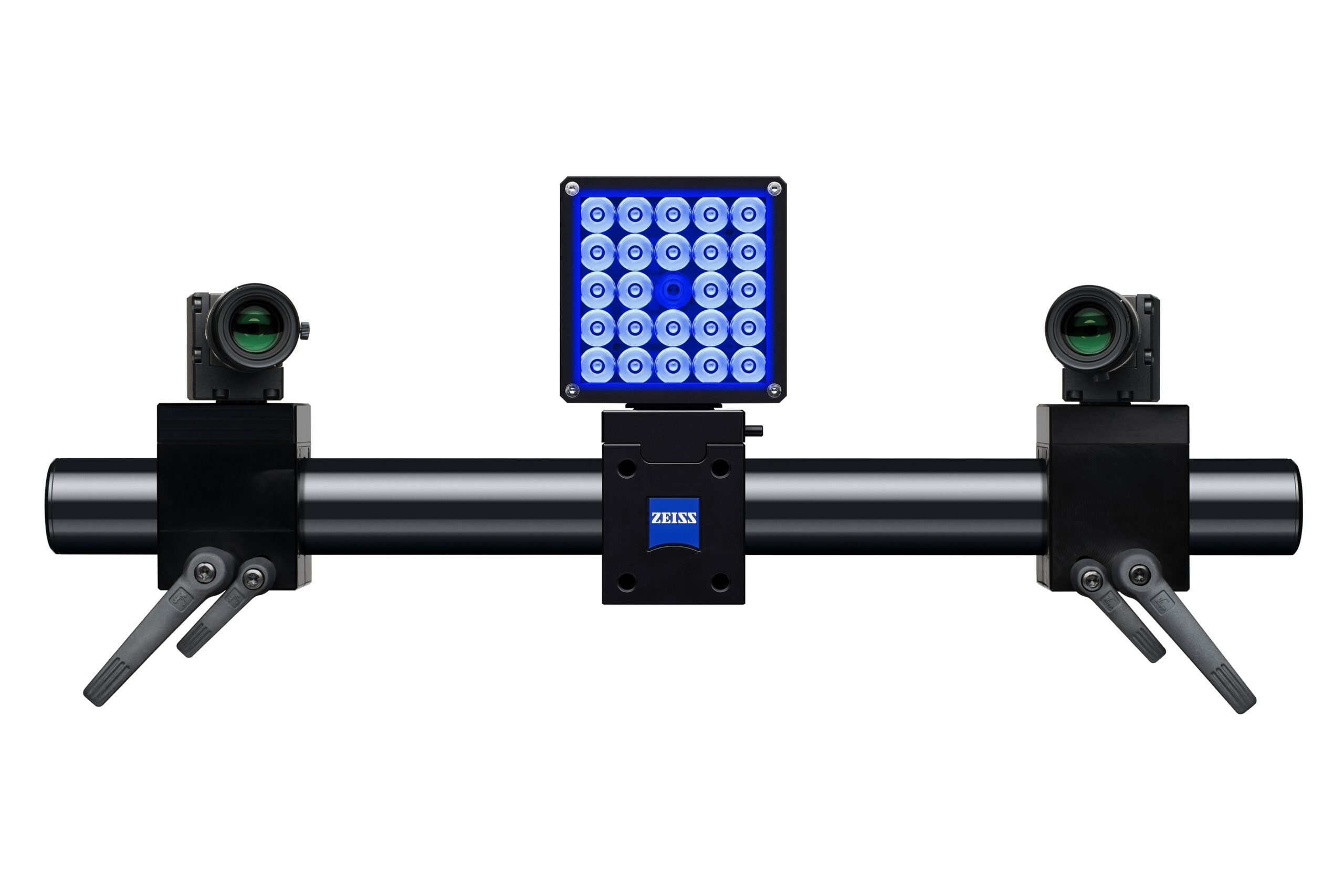
Modular 12 MP stereo measurement for changing materials and component tests.
Explore ARAMIS Adjustable 12M →ARAMIS Adjustable 24M
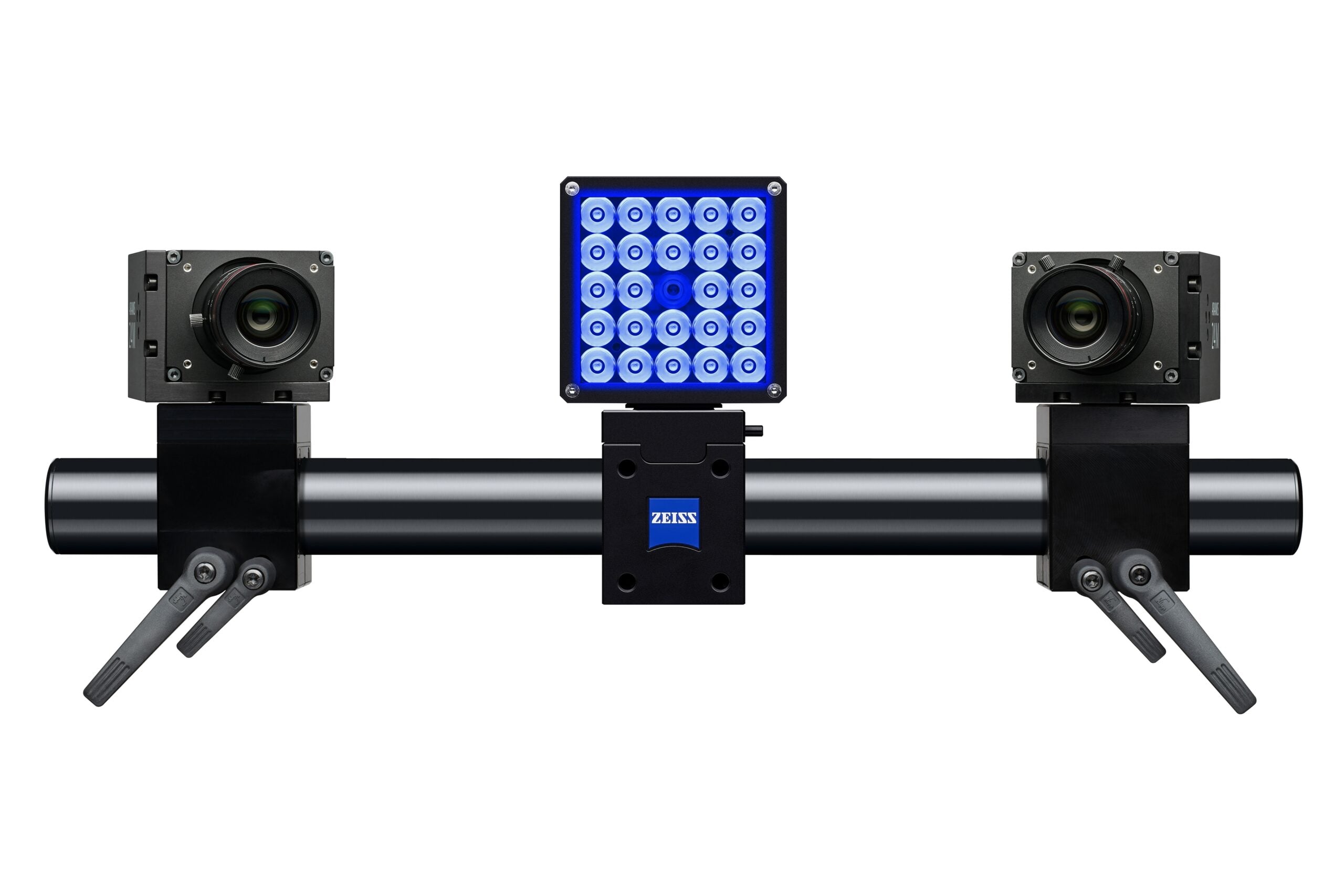
More spatial detail for fine strain gradients or small features, with 24 MP cameras.
Explore ARAMIS Adjustable 24M →ARAMIS Adjustable SRX
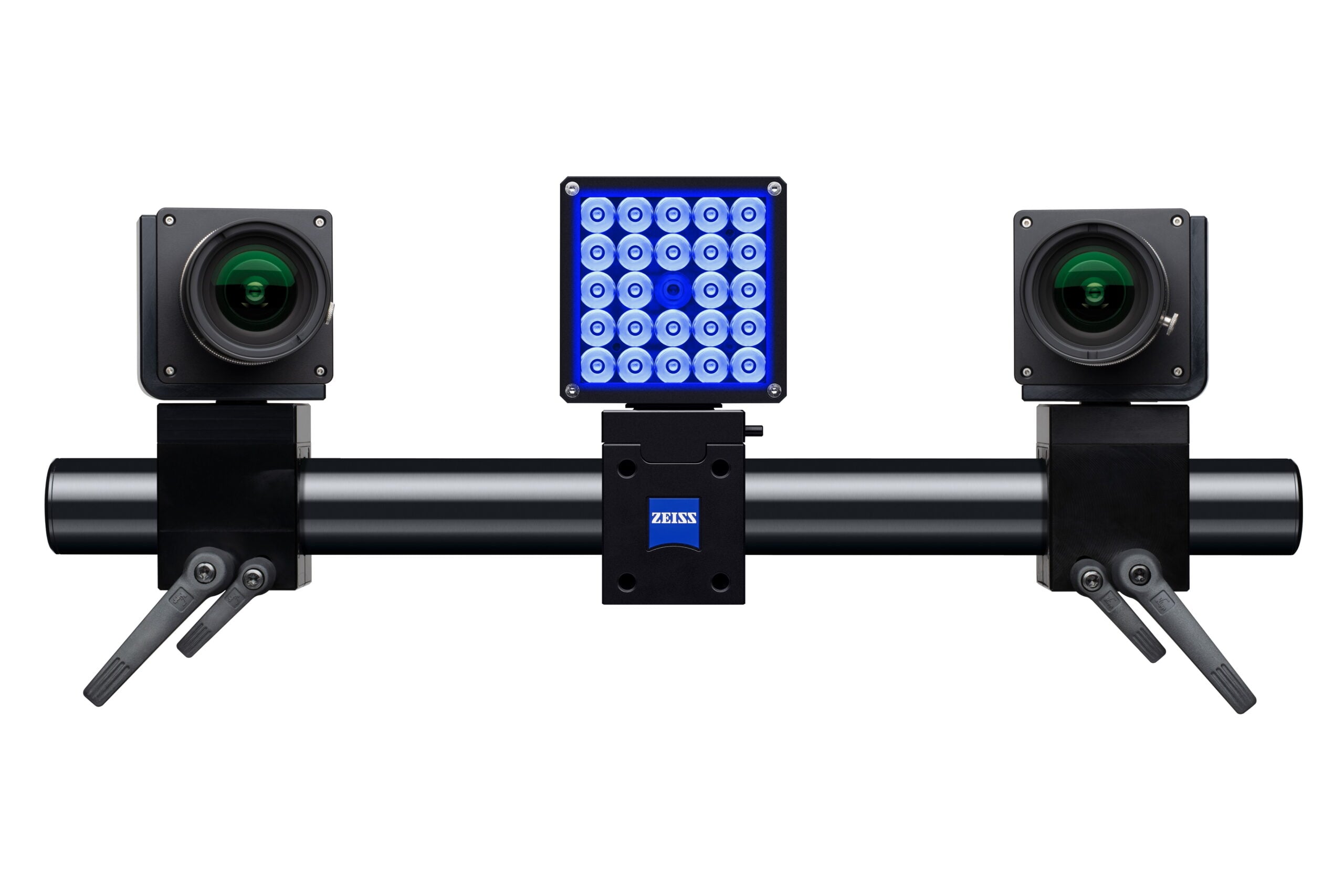
Modular SRX acquisition for faster events where the camera arrangement needs greater flexibility.
Explore ARAMIS Adjustable SRX →Technical data
12M and SRX specifications compared
| Specification | ARAMIS 3D Camera 12M | ARAMIS SRX |
|---|---|---|
| Camera arrangement | 2 × 12 MP cameras for stereo 3D measurement | 2 × 12 MP cameras for stereo 3D measurement |
| Resolution per camera | 4096 × 3000 pixels | 4096 × 3068 pixels |
| Full-resolution rate | Up to 25 fps at 4096 × 3000 pixels | Up to 335 fps at 4096 × 3068 pixels using 8 GB onboard memory |
| Reduced-image maximum | 150 fps at 4096 × 500 pixels (1/6th image) | 2,000 fps at 4096 × 480 pixels (1/6th image), using onboard memory |
| Other 12M modes | 43 fps at 2496 × 2096 pixels; 75 fps at 4096 × 1000 pixels; up to 100 fps with lower-resolution binning | See the SRX recording-path comparison below |
| Measuring-area range | 35 × 25 mm to 5000 × 4000 mm across different configurations | 70 × 50 mm to 5100 × 4200 mm across different configurations |
| Typical selection | Quasi-static material, component and structural loading | Dynamic response and faster changes in strain or movement |
Measuring-area limits describe different frame and optical configurations. Maximum frame rates depend on image dimensions, acquisition mode and the configured hardware. Binning reduces spatial resolution; cropped modes retain less of the sensor image.
SRX: onboard memory and direct-to-computer recording
The headline 335 fps full-resolution and 2,000 fps cropped modes use the cameras’ 8 GB onboard memory. Direct recording to PC or laptop RAM has different rates. Choose the recording path, image area and required event window together.
| Image dimensions | 8 GB onboard memory | PC RAM | Laptop RAM |
|---|---|---|---|
| 4096 × 3068 pixels · full frame | 335 fps | 75 fps | 50 fps |
| 4096 × 2000 pixels | 500 fps | 115 fps | 78 fps |
| 4096 × 1000 pixels | 1,000 fps | 230 fps | 156 fps |
| 4096 × 480 pixels · 1/6th image | 2,000 fps | 480 fps | 325 fps |
| 1920 × 1000 pixels · HD mode | 1,000 fps | 490 fps | 333 fps |
PC and laptop figures describe the published recording configurations, not guaranteed performance from any computer. Confirm the proposed workstation and acquisition mode. Onboard recording is finite; specify pre-trigger history, event duration and required stages before selecting the memory workflow.
ARAMIS 3D Camera and SRX questions, answered
Plan the sensor around the test
What is the difference between ARAMIS 3D Camera 12M and SRX?
Both are industrial stereo sensors for surface strain, displacement and point-based movement. 12M records up to 25 fps at its full 4096 × 3000 resolution. SRX provides more temporal detail, with 335 fps at 4096 × 3068 using 8 GB onboard memory and up to 2,000 fps with a cropped image. Their measuring-area ranges also differ.
Why choose an industrial 3D Camera instead of Adjustable?
The industrial sensor suits a stable, defined measurement arrangement for repeating common tests. Preset lenses and the camera frame support short setup times and sensor stability. Adjustable provides a modular arrangement for teams that frequently change the camera geometry, specimen size or measuring setup. Compare Adjustable 12M or Adjustable SRX.
Does a fixed setup mean I cannot change the measuring area?
No. Different measuring areas are available through suitable frames and preset optical configurations. A change may need different lenses or a frame, followed by the required calibration or verification. The industrial approach is particularly useful when the selected arrangement will then be reused across a series of tests.
Does SRX record 2,000 fps at full resolution?
No. The 2,000 fps mode uses 4096 × 480 pixels, approximately 1/6th of the image, and the 8 GB onboard memory. Full 4096 × 3068 pixel images record up to 335 fps using that memory. Select the mode around the evaluation area and how many stages are needed through the event.
How long can SRX record a dynamic event?
Duration depends on image dimensions, acquisition rate, memory and recording path. Define the required pre-trigger stages, event length and post-trigger window. Ask Delta XD to confirm the recording duration for the exact configuration rather than inferring it from the maximum frame rate.
Can 3D DIC be used for vibration analysis?
Yes. Stereo DIC and point tracking can measure three-dimensional displacement over time. As a rule of thumb, plan about ten captures per vibration cycle: 100 Hz vibration suggests around 1,000 fps. Higher harmonics, exposure, recording duration and the analysis method can require a different strategy.
Can velocity and acceleration be measured?
Yes. Velocity and acceleration can be measured from the captured data, subject to image capture quality. Timing and the evaluation settings must suit the motion you need to analyse.
Does the industrial design remove the need for calibration?
No. Sensor stability and preset lenses can reduce calibration effort, but the correct calibration and verification procedure still applies. Check the system after relevant optical or frame changes, transport and other changes that can affect the measurement arrangement.
Can several ARAMIS sensors measure the same test?
Compatible multi-device configurations can synchronise different viewpoints through the Controller and CORRELATE, using primary and secondary sensor roles. Plan the supported hardware combination and any shared reference needed to align the results. Explore multi-sensor Controller integration.
What if my test needs more than 2,000 fps?
Discuss ARAMIS High Speed. This is a separately configured high-speed camera solution. Selected configurations can be in excess of 1,000,000 fps at very small image sizes; the usable image area, recording duration and required analysis determine the suitable setup.
System pricing
Specify the industrial test you need to repeat
Tell us the component, measuring area, expected motion and required recording window. We will help define the sensor, preset optics, lighting, Controller, software and workstation for the application.
ARAMIS 3D Camera 12M system from£49,837*
Includes: 1 × measuring volume, studio stand, ARAMIS Controller, laptop, light projector, touch probe, case and CORRELATE Essential Line software.
Excludes: delivery, training, setup and installation.
Request a 12M quotationARAMIS SRX system from£113,816*
Includes: 1 × measuring volume, fixed-base stand, ARAMIS Controller, rack-design computer with TFT monitor, light projector, touch probe, case and CORRELATE Pro Line software.
Excludes: delivery, training, setup and installation.
Request an SRX quotation*Indicative system guide prices are subject to change. The quotation confirms the measuring volume, configured hardware, software scope and any additional services.
Product and software information
ARAMIS 3D Camera and SRX downloads
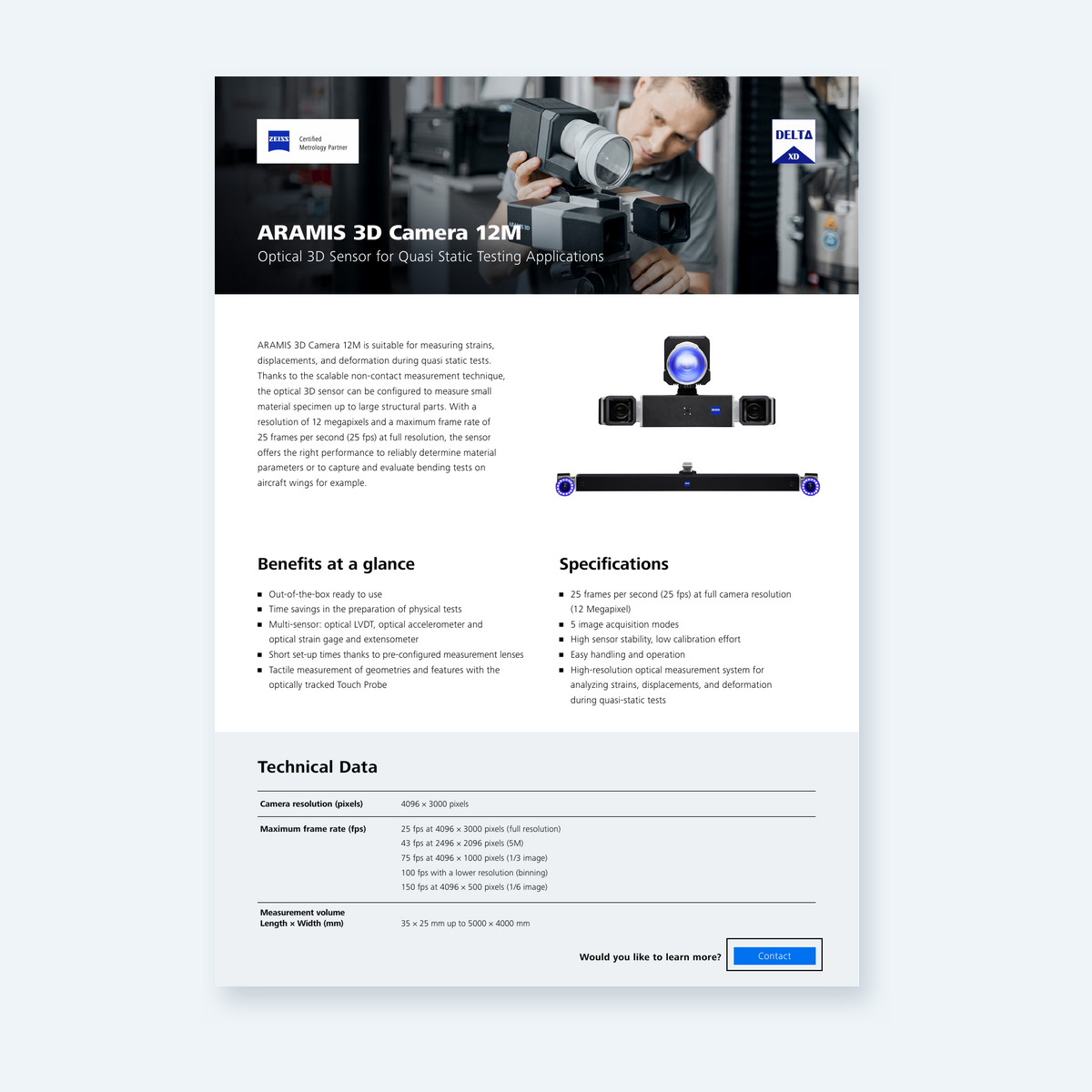
ARAMIS 3D Camera 12M one-pager
Quasi-static sensor overview, measuring areas and the five acquisition modes.
Download PDF →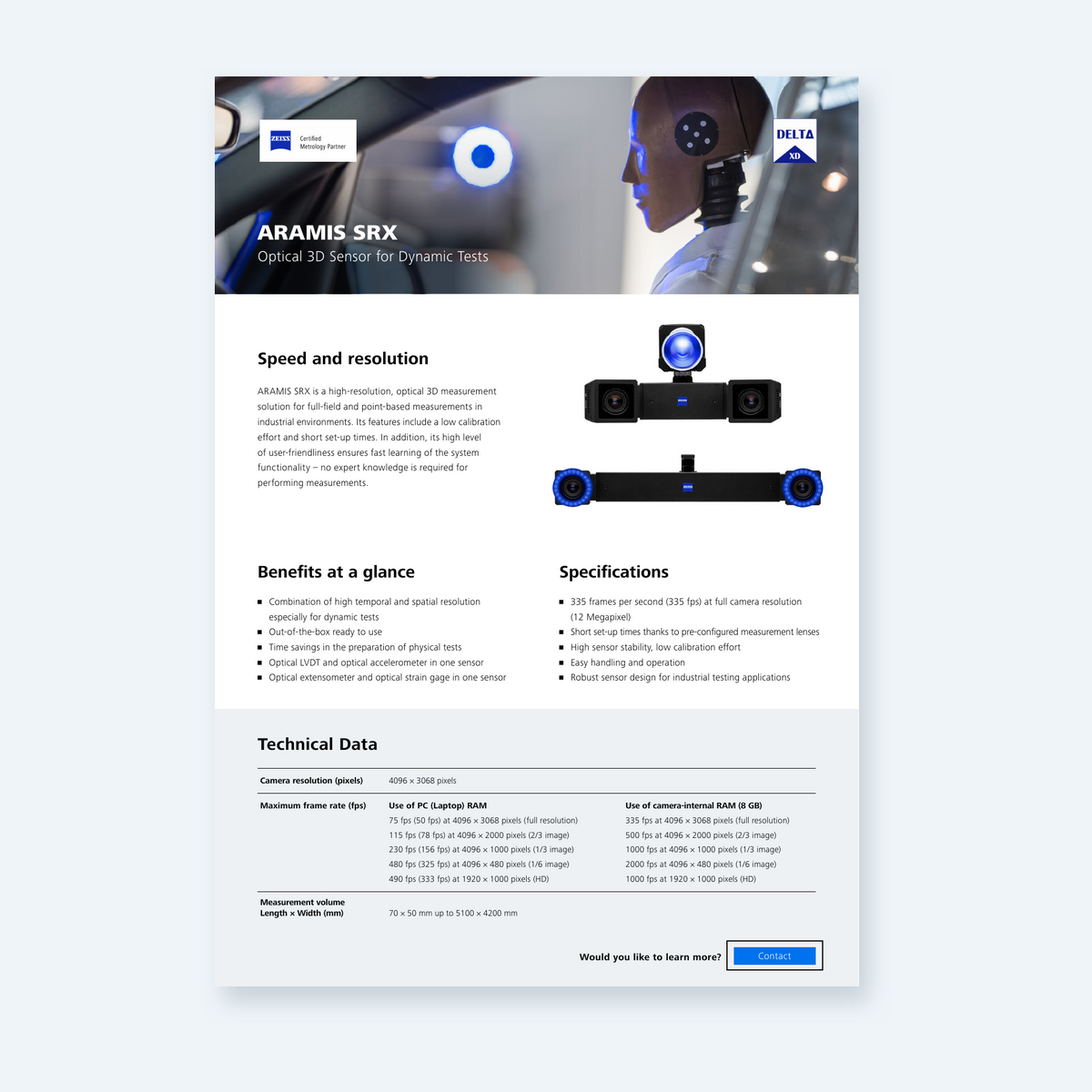
ARAMIS SRX one-pager
Dynamic sensor overview with onboard-memory and computer-recording specifications.
Download PDF →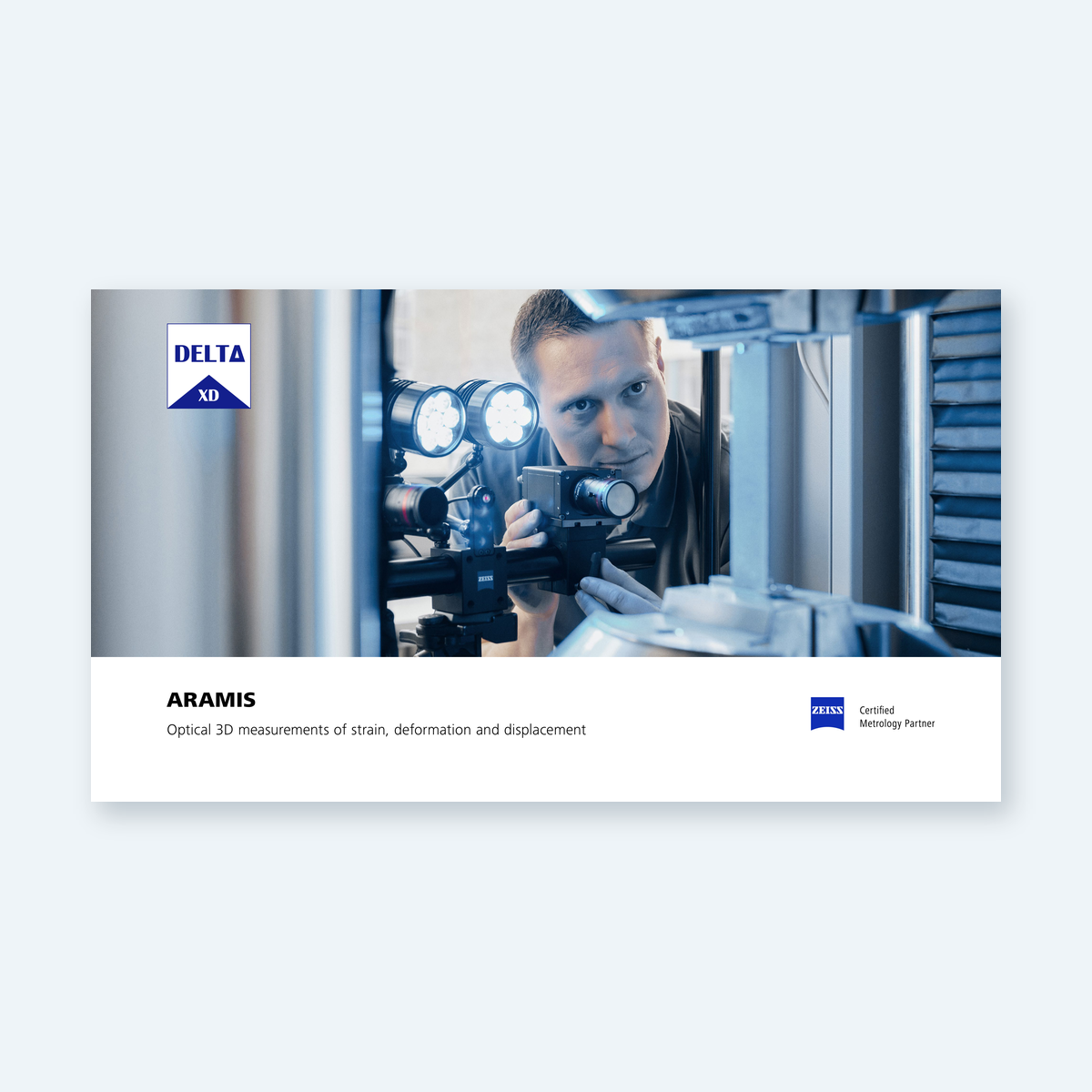
ARAMIS product brochure
Optical strain, displacement and deformation systems across the ARAMIS range.
Download PDF →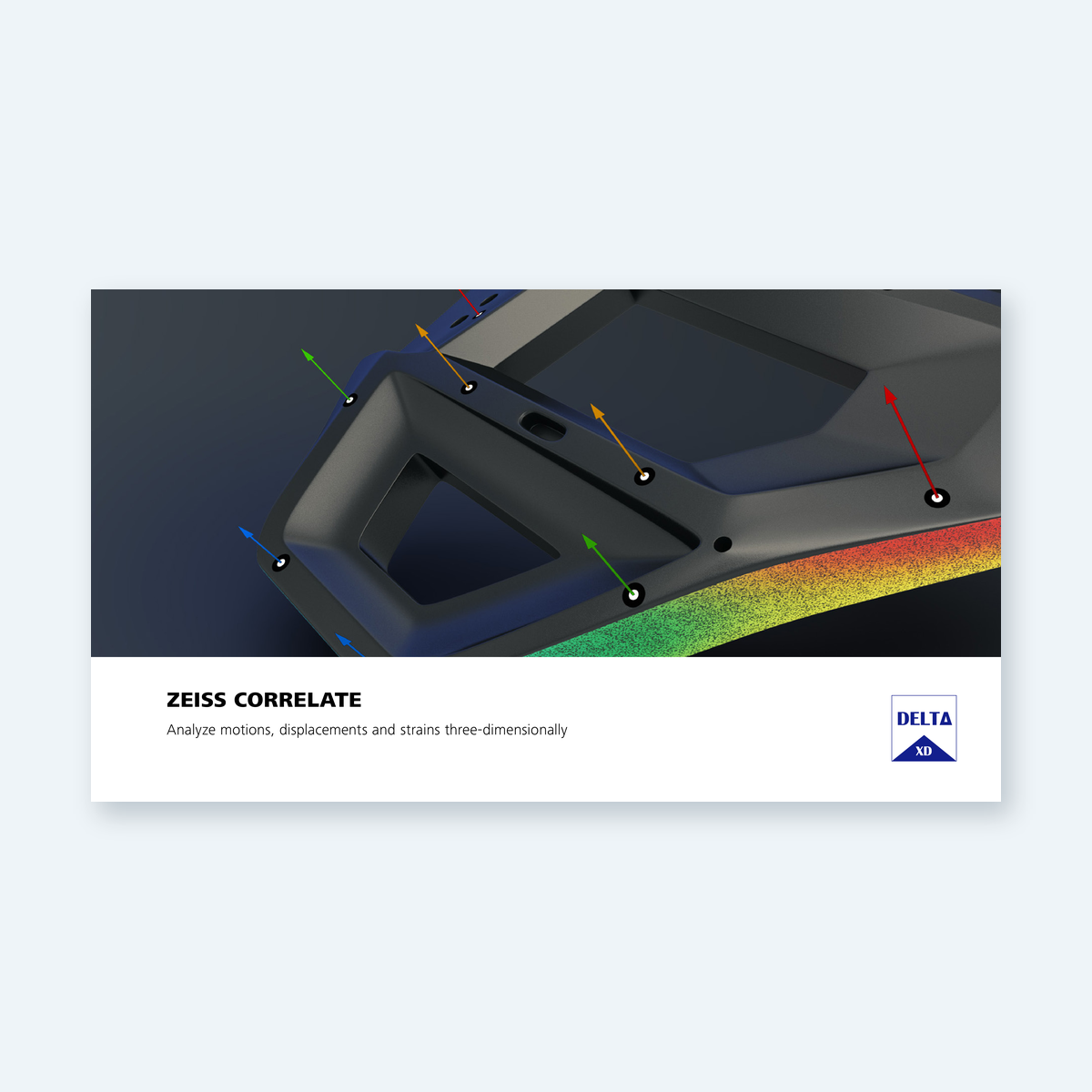
CORRELATE software factsheet
Analysis, acquisition and reporting capabilities, with a software-function comparison.
Download PDF →Talk to Delta XD
Tell us about your repeat test
Request a 12M or SRX quotation, discuss a demonstration or review the optical setup for a recurring materials or component test.
Include specimen dimensions, field of view, working distance, expected displacement or strain, event duration and the number of stages you need. Tell us about external force or stroke signals and any existing test equipment.
